
7 Tips for Choosing an Ultrasonic Cell Disruptor
Choosing an Ultrasonic Cell Disruptor is not just a matter of selecting the highest wattage. The right instrument depends on your sample, vessel, and workflow. A small probe may suit a few milliliters of bacterial suspension, while tougher tissue or larger volumes may need a different setup. Match the equipment to the work.
Sonochemist Kenneth S. Suslick describes the underlying process: “The chemical effects of ultrasound arise from acoustic cavitation: the formation, growth, and implosive collapse of bubbles in a liquid.” That principle helps explain why probe design, amplitude, and pulse settings matter. Look for adjustable power, a suitable probe diameter, and temperature control. A chilled bath or short pulses can help limit heating. Watch the sample, too. Foam, splashing, or a warm vessel can signal that conditions need adjustment.
The seven tips ahead focus on practical choices: sample volume, probe geometry, power range, pulse control, cooling, ease of cleaning, and service support. Compare specifications against your actual protocol, not just a product headline. Ask whether replacement probes are available and whether the unit can handle your expected workload. Small details count.
There is no universal setting. Results can vary with sample composition and preparation, so pilot tests and consistent records are essential. Even a careful selection may need refinement. That is worth admitting. A reliable choice is one you can reproduce, maintain, and adapt without guesswork.
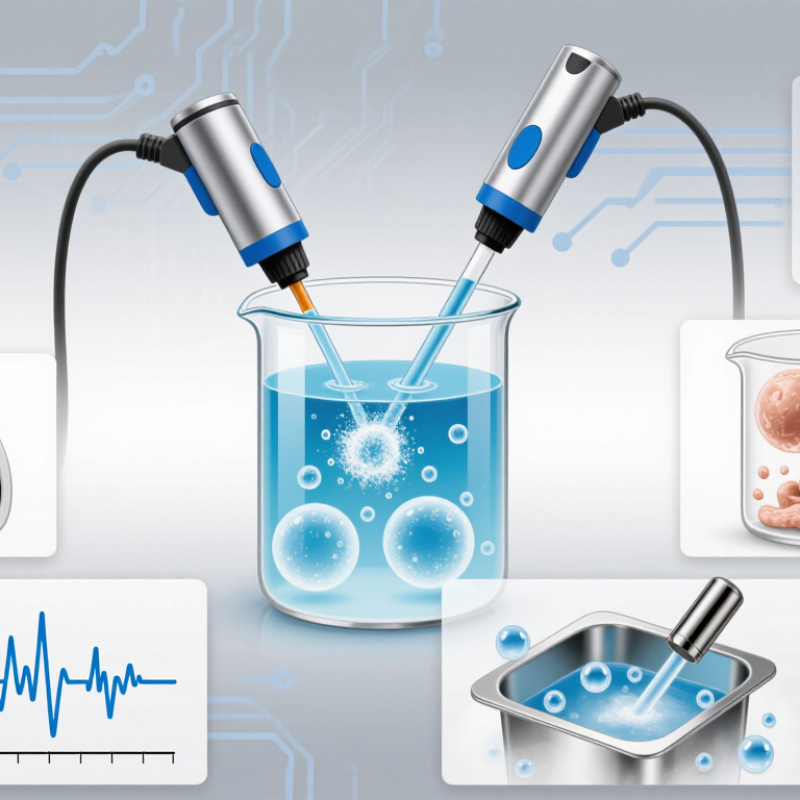
Identify the Cell Disruption Task and Sample Requirements
Before comparing ultrasonic cell disruptors, define what must be disrupted and what must remain intact. Bacterial pellets, cultured cells, and fibrous plant tissue behave differently. A tough sample may need more energy, while fragile cells can release unwanted heat or damage sensitive proteins. Be specific about the endpoint: complete lysis, partial disruption, or release of a particular cell component. “Make it work” is not a useful target.
Next, record the practical sample requirements. Note the volume per run, number of samples, vessel shape, and how often the process will be repeated. A narrow probe can suit small tubes, but it may not cover a larger vessel evenly. Very small volumes need care; the probe tip must stay submerged without touching the tube. Keep it cold. Ice baths help limit heating, but they do not replace temperature checks during longer runs. Viscous samples may also need different handling from watery suspensions. It is tempting to choose the most powerful unit, yet excess energy can heat or shear a sample. There is no universal setting. A small pilot run, with measured temperature and a clear endpoint, is more reliable than guessing from another protocol. One detail is easy to overlook: leave enough room for splashing and foaming.
