
10 Server Rack PDU Buying Tips for Global Buyers
Choosing a Server Rack Pdu is not just a matter of counting outlets. For global buyers, the right unit must match the rack, electrical supply, equipment load, and local installation requirements. A mismatch can mean unused sockets, awkward cable runs, or a PDU that cannot support planned expansion.
Check the rated current, voltage, phase, plug type, and outlet configuration against the site’s actual power specifications. Then consider whether basic, metered, or switched monitoring fits your operations. Useful details include cord length, mounting orientation, outlet spacing, temperature conditions, and access to replacement parts. Small details matter. A bulky adapter can block a neighboring outlet; a short input cord can complicate rack placement. Ask suppliers for current datasheets, clear product images, and written confirmation of key specifications. Independent verification is sensible, especially when equipment will be deployed across several countries.
Compare more than the purchase price. Freight, lead times, warranty coverage, technical support, and spare-part availability all affect the cost of ownership. Confirm that the proposed PDU works with your rack depth and connected devices, and have a qualified site professional review the electrical fit. Supplier claims are useful, but they are not a substitute for checking the installation details. I have seen buying checklists become overly focused on features; in practice, a reliable delivery date or responsive support contact may matter more. That is easy to overlook. The following tips help buyers ask sharper questions, compare options consistently, and choose a PDU suited to real operating conditions—not just a product page.
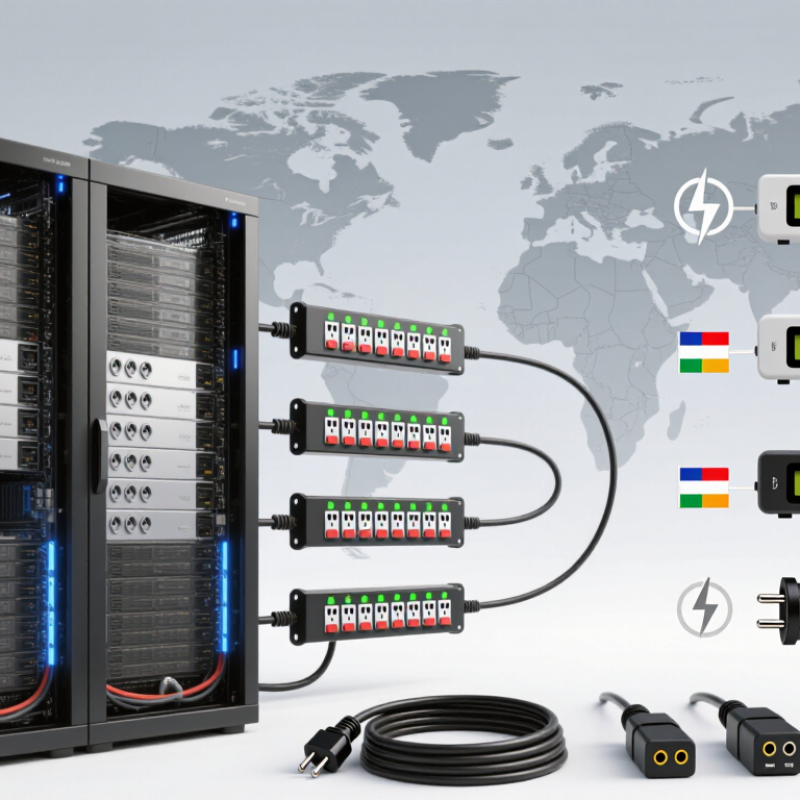
Understanding Server Rack PDU Types and Their Functions
Understanding Server Rack PDU Types and Their Functions
A server rack PDU distributes power from a facility circuit to equipment mounted in a rack. A basic model provides outlets without detailed measurement. Metered models show current or power locally, helping technicians spot an uneven load before adding another server. Monitored PDUs send readings over a network. Switched models can control individual outlets remotely, which is useful when equipment needs a power cycle. Some units combine these functions, so type names alone may not tell the whole story.
Match the PDU to the rack’s electrical supply and the equipment it will serve. Check input voltage, phase, plug type, outlet count, and each outlet’s rating. For example, a rack with two power supplies per server may need separate PDUs on separate circuits. Compare the expected load with the PDU’s rated capacity, and leave suitable operating headroom. A crowded outlet strip is not a load plan. It is easy to focus on outlet count and miss connector placement or cable reach.
Tips: List every device and its power requirements before ordering. Confirm that plugs fit without blocking neighboring outlets. For distributed sites, verify local voltage and facility connections with the site team; specifications can vary. Remote switching is helpful, but it cannot replace safe shutdown procedures. The right features depend on the rack, and a spreadsheet can still miss one awkward cable.
