
How to Choose a Managed Network Switch?
A reliable network rarely draws attention until a video call freezes, a payment terminal disconnects, or a new access point needs power. Choosing the right Managed Network Switch helps prevent small network issues from becoming costly disruptions. Uptime Institute’s 2024 Annual Outage Analysis found that 54% of respondents reported costs above $100,000 from their latest significant outage. That is not a switch-only problem. Still, network visibility matters. IBM’s 2024 Cost of a Data Breach Report placed the global average breach cost at $4.88 million. That figure covers breaches broadly, not switch failures, but it underscores why access control and monitoring deserve careful planning.
A good selection starts with the work the network must support, not the largest port count on a product sheet. Count current devices, then estimate growth across offices, cameras, phones, and wireless access points. For a small office, quiet operation and straightforward VLAN setup may matter most. A warehouse may need rugged hardware, PoE capacity, and reliable uplinks between floors. Check port speed, switching capacity, management options, redundancy, and support terms. PoE budgets deserve particular attention: a switch can have enough ports yet lack power for every connected device. Ask whether the team needs a cloud dashboard, local controls, or both. It is easy to overvalue advanced features that nobody will maintain. That deserves an honest pause. The right choice balances security, performance, skills, and budget, while leaving room for realistic growth.
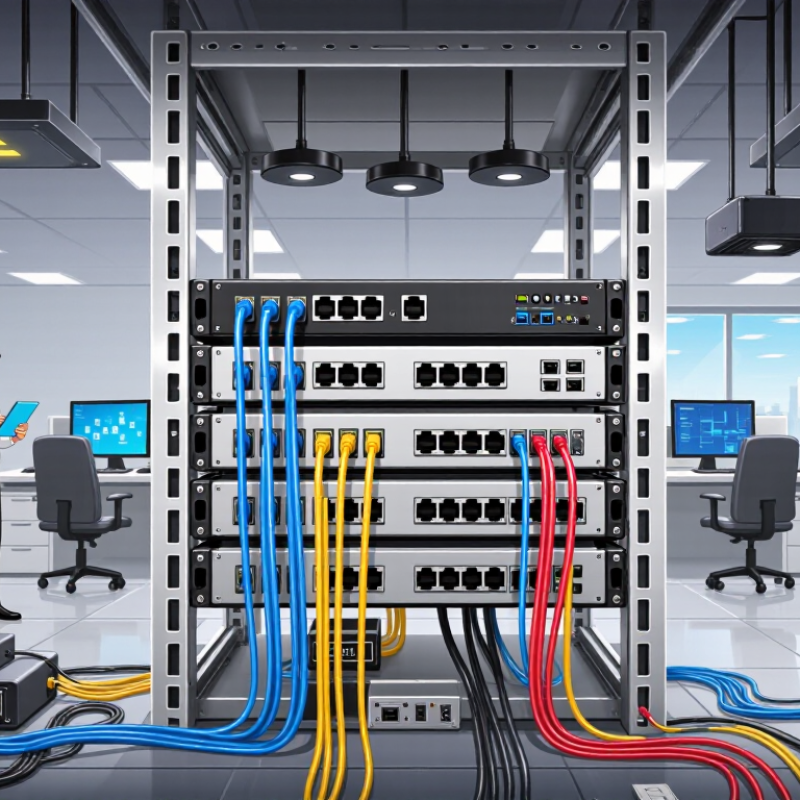
Identify Your Network Requirements and Expected Growth
How to Choose a Managed Network Switch?
Identify Your Network Requirements and Expected Growth
Start with a simple map of the devices that need connections. Count computers, wireless access points, cameras, phones, printers, and servers. Note which devices need power through Ethernet. A small office may have 24 active connections today, but conference rooms or new access points can quickly use spare ports. Leave room.
Estimate the traffic each area will generate. Video calls, large file transfers, and camera feeds can create different demands from basic web browsing. Check the switch’s port speeds and uplink capacity against your busiest connections. Also consider whether you need network segmentation, remote monitoring, or traffic prioritization. These features can help organize operations, but they add configuration work.
Growth estimates are rarely exact. Plan for likely changes over the next few years, rather than buying capacity for every imaginable scenario. Compare the cost of extra ports with the disruption of replacing a switch early. Keep a written record of current devices, occupied ports, and expected additions. Revisit it when teams move, equipment changes, or usage starts to feel slower. A spreadsheet is enough. Don’t treat it as a forecast carved in stone.
