
How to Choose the Best TrueNAS Server in 2026?
Choosing a True Nas Server in 2026 begins with the work it must handle, not a shiny processor. Backups, media libraries, virtual machines, and office file shares place different demands on storage, memory, and network speed. Write down the number of users, expected data growth, and the services you plan to run. A home media server with four drives has different needs from a business system supporting daily operations.
Check drive-bay capacity, motherboard and controller compatibility, memory limits, and network ports before comparing prices. ZFS depends on careful storage planning, and redundancy is not a substitute for a separate backup. A failed disk should not become a data-loss event. Review current TrueNAS hardware guidance, warranty terms, power use, and replacement-part availability. A low purchase price can hide costs in noise, electricity, or difficult maintenance. Small details matter.
The best choice is the system that fits your workload and remains manageable as it grows. Estimate usable capacity after redundancy, leave room for future drives, and confirm that your network can deliver the speeds you expect. For virtualization, check processor support and memory headroom; for file serving, prioritize dependable storage and reliable backups. It is easy to overvalue benchmark numbers. Even a careful checklist can miss a practical constraint, such as where the server will sit or who will maintain it. Use the recommendations below to compare suitable options, and verify specifications against current manufacturer documentation before buying.
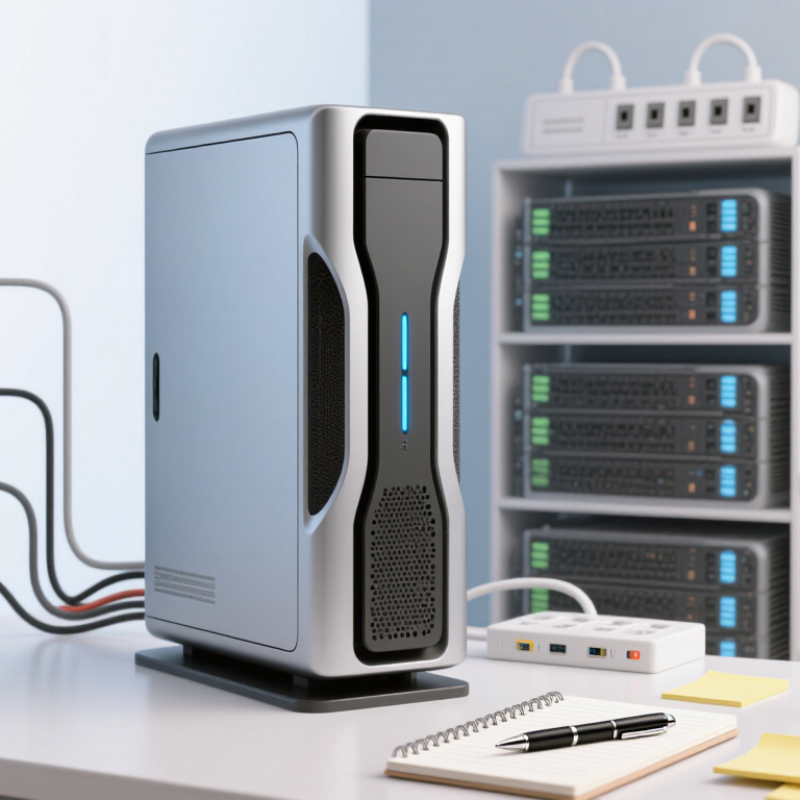
Identify Your Workloads, Users, and Data-Growth Needs
Before comparing server specifications, write down what the system will actually do. Start with the work. A small household library of films and photos has different needs from a shared editing folder, virtual machines, or daily business backups. Note how many people will access files at once, and whether they need smooth video playback, fast project loading, or simply reliable storage. A few simultaneous users can matter more than a large user count who rarely connect.
Estimate current data, then track how quickly it grows each month. A photo archive may expand steadily; video projects can add hundreds of gigabytes in a week. Leave room for snapshots, backups, and future expansion, rather than treating every advertised terabyte as usable space. Redundancy helps protect availability, but it is not a separate backup. Keep another copy of important files on an independent system.
Match hardware to measured demand: memory, processor capacity, network speed, and drive count all affect performance. For example, several users opening large files over a slow network may see little benefit from faster disks alone. I have seen growth estimates miss badly when a team changed its workflow. Recheck them after a few months, and choose a setup that can expand without forcing an urgent rebuild.
