
How to Choose the Best Mobile POS Systems for Your Business?
Choosing among the best mobile pos systems is not just a software comparison. It is a decision about how work moves through your business. A café may need quick counter service and clear kitchen tickets. A market stall may need reliable payments when Wi-Fi drops. A service team may care more about receipts, customer records, and easy setup. The right fit depends on real conditions, not a feature list alone.
Technology leader Steve Jobs once said, “You’ve got to start with the customer experience and work back toward the technology—not the other way around.” That principle fits mobile POS decisions well. Look at how staff take orders, accept payments, handle refunds, and close the register. Then check whether a system supports those steps on the devices you already use. Test screen readability under bright light. Check battery life during a busy shift. Ask how support works when a printer stops responding.
Small details count.
This guide will compare the features that matter, from payment options and inventory tools to pricing, integrations, and offline access. It will also consider setup time and staff training, since a powerful system can still frustrate a team. No checklist can predict every problem. A trial run may reveal more than a polished demo. Use the sections ahead to narrow your options, test them against daily tasks, and choose a system that works for your business—not just one that looks impressive on paper.
Define Your Business Needs and Mobile Sales Workflow
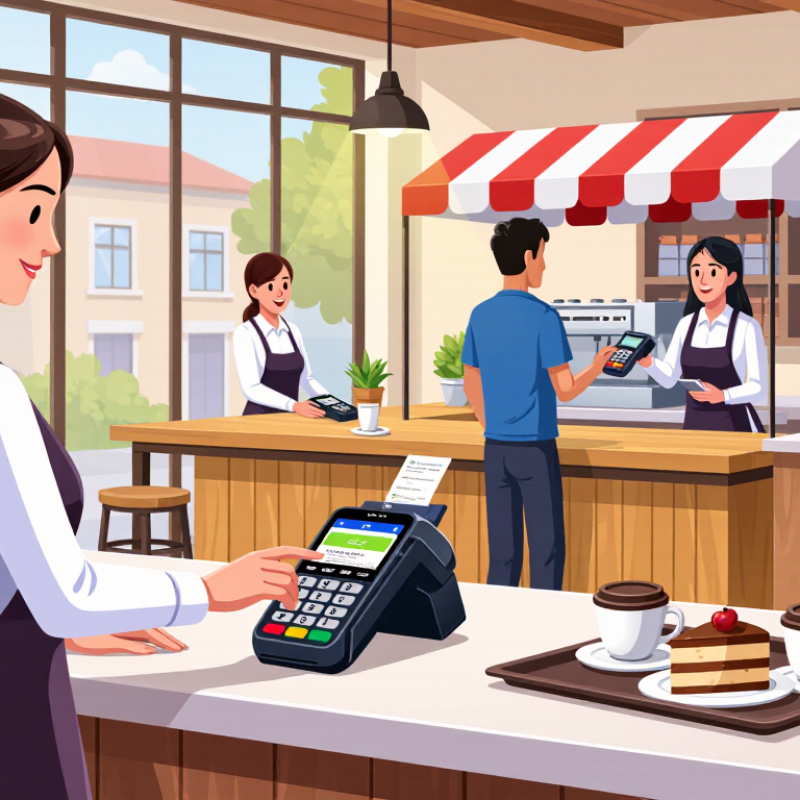
Before comparing mobile POS systems, map how customers actually pay. A café may need staff to take orders beside the table, send them to a kitchen printer, and split a bill at checkout. A market stall may need quick item entry, tap-to-pay, and clear receipts in a crowded space. Start at the counter. Note busy periods, average transaction size, internet dead zones, and who handles refunds or end-of-day checks. These details help separate essential features from attractive extras.
Tips: Walk through one real sale from greeting to receipt. Test the system with your usual device, payment method, and a weak Wi-Fi connection. Keep it simple. Ask staff where delays happen; their answers may reveal a workflow you had not considered.
Then match system capabilities to each step. Check whether the interface supports your product list, tax settings, staff permissions, inventory updates, and offline transactions if your connection drops. Confirm how transactions sync once service returns, and review processing fees and support availability before committing. A feature list can look convincing, but it may not reflect the pace of a Saturday rush. Test it live. One small trial can expose awkward screen layouts or extra taps. Revisit your assumptions after a week; real use often changes what matters most.
