
How to Choose a Video Keypad Door Entry System?
Choosing a Video Keypad Door Entry system is not just a matter of comparing screen sizes or counting features. The right system should let residents see who is at the door, communicate clearly, and grant access without adding daily frustration. Picture a visitor standing outside in afternoon glare, pressing a damp keypad while someone answers from a dim hallway. That ordinary moment reveals more than a polished product photo can.
Start by considering the entrance itself. Measure the available space, check existing wiring, and note whether the camera faces direct sunlight or a covered porch. Look for clear video, usable night viewing, audible two-way communication, and keypad buttons that are easy to operate. Small details matter. A bright display may be difficult to read in sunlight, while a feature-rich app may be unreliable if the property’s network is weak. Check the manufacturer’s stated operating conditions and installation requirements rather than assuming every model fits every building.
Access features also deserve careful review. Decide whether temporary codes, remote answering, or integration with an existing door lock are genuinely useful for your household. Ask how the system stores recordings, manages user access, and receives software updates. These details can be easy to overlook. Product specifications offer a starting point, but they cannot confirm how a device will perform at your particular entrance. Compare warranty terms, support options, and installation needs before choosing. No system is perfect; the goal is a dependable fit, not the longest feature list.
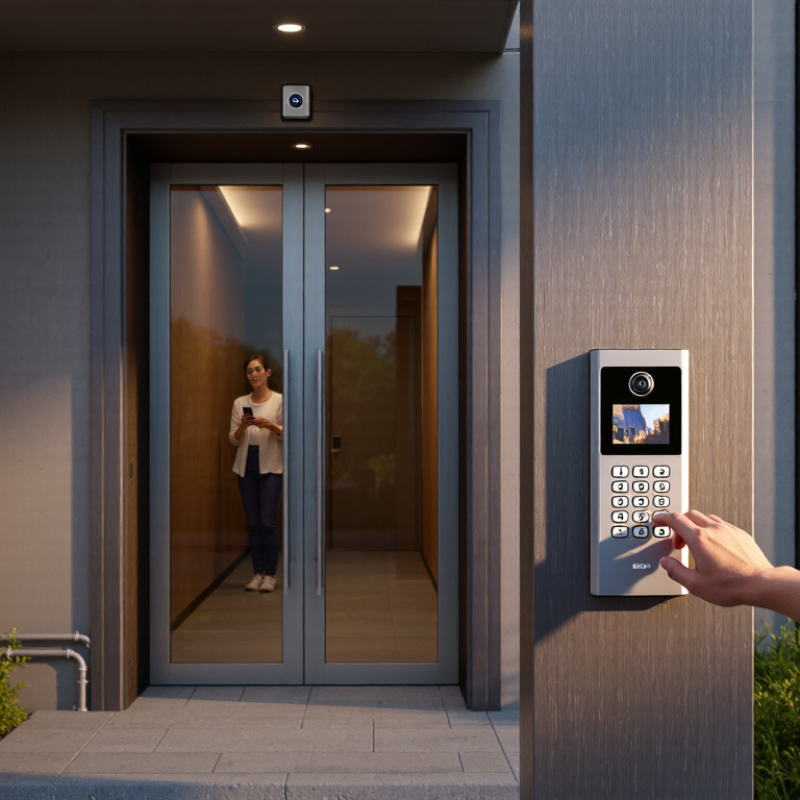
Define Access Needs and Site Requirements
Start by listing who needs entry and when. Residents, staff, delivery workers, and occasional visitors may need different permissions. Estimate the busiest arrival period, not just the average day. A system that handles five calls an hour may struggle during a shift change. Decide whether users need remote answering, temporary visitor codes, entry records, or hands-free access. Keep the requirements practical; extra features can make daily use harder.
Walk the site before comparing equipment. Check the distance from the entry point to the indoor monitor, available power, network coverage, and cable routes. Note rain exposure, direct sunlight, nighttime lighting, and background noise near the keypad. Also confirm that the door or gate can release reliably with the proposed hardware. A strong camera cannot fix a weak network. I would verify signal strength at the actual mounting location, since a nearby router does not guarantee a stable connection. Small details matter.
Tips: Stand outside and test the view at eye level. Try the keypad with wet hands and in low light. Ask a few regular users to describe their routine; their feedback may reveal needs the planning checklist missed.
