
2026 How to Choose the Best Cat5 Extender for Your Needs
A Cat5 Extender can carry Ethernet beyond a standard cable run, but the right choice depends on distance, speed, power, and the equipment at each end. IEEE 802.3 guidance sets a 100-meter channel limit for standard copper Ethernet links. That is a useful baseline, not a promise that every extender will deliver full speed over longer cable. Real results depend on cable condition, interference, connectors, and the extender’s design.
The Ethernet Alliance’s 2024 Ethernet Roadmap tracks changing Ethernet speeds and technologies across the industry. Its broader lesson matters here: match the link to the application, rather than choosing by headline speed alone. For a camera at the far end of a warehouse, check the required bandwidth and PoE budget. For a remote office, check compatibility with the switches and network devices already installed. Small details count.
Computer-networking scholar Andrew S. Tanenbaum’s familiar quip captures the challenge: “The nice thing about standards is that you have so many to choose from.” Yet standards and product labels can still leave gaps. This guide compares extender types, practical distance limits, installation needs, and trade-offs to help narrow the options. There is no universal best unit. Cable quality can surprise you, and specifications do not replace testing the actual route. A little caution helps.
How Cat5 Extenders Carry Network Signals Over Longer Distances
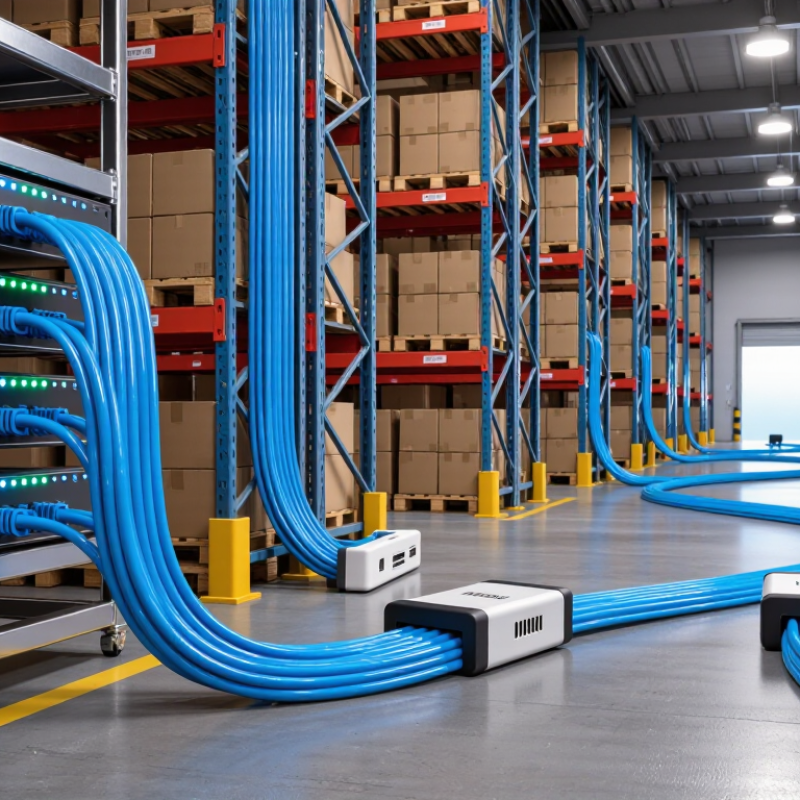
A Cat5 extender helps carry Ethernet data beyond the usual 100-meter limit of a single copper cable run. It receives a weakening signal, then regenerates it so data can travel along another cable section. Think of a small office where a router sits near the entrance but a camera is mounted down a long hallway. An extender placed along the route can bridge that gap without replacing the entire cable path. The exact distance and supported speed depend on the extender, cable quality, and network conditions.
Power matters. Some extenders need a nearby outlet, while others can use Power over Ethernet if both the device and setup support it. Check the product’s stated distance at the speed you need; maximum range may come with a lower data rate. Cat5 cable condition also counts: tight bends, damaged connectors, and nearby electrical interference can cause unstable links. I would not treat a listed maximum as a promise. Real cable routes are rarely perfect. Not always. Test the connection at the far end with the actual devices in place, and watch for dropped packets or slow transfers before securing the installation.
