
7 Best Network KVM Switches for 2026
A Network Kvm Switch can put several computers within reach from one desk, even when the machines sit in a locked rack or another room. For IT teams, that means fewer trips to the server closet and direct access to local screens, keyboards, and mice. For home labs, it can turn a crowded workbench into a tidier setup. Small details matter: Is switching responsive? Can you manage systems remotely? Does the unit support the video resolution and USB devices you actually use?
Remote access is useful. So is reliability. Security matters, too. Security technologist Bruce Schneier’s well-known reminder is, “Security is a process, not a product.” It is not specific to KVM hardware, but it offers a useful lens for evaluating network-connected devices: review access controls, update practices, and how each model fits your existing network. A feature list alone cannot answer those questions.
This guide compares seven Network Kvm Switches for 2026, from compact options for small offices to rack-ready units for larger deployments. We look at port count, video support, remote-management tools, setup demands, and practical usability. A higher price does not always mean a better fit. Nor does a long feature list. Some models may suit a controlled server room but feel awkward on a busy support desk. The comparisons aim to make those trade-offs visible, while recognizing that no single switch is right for every workspace.
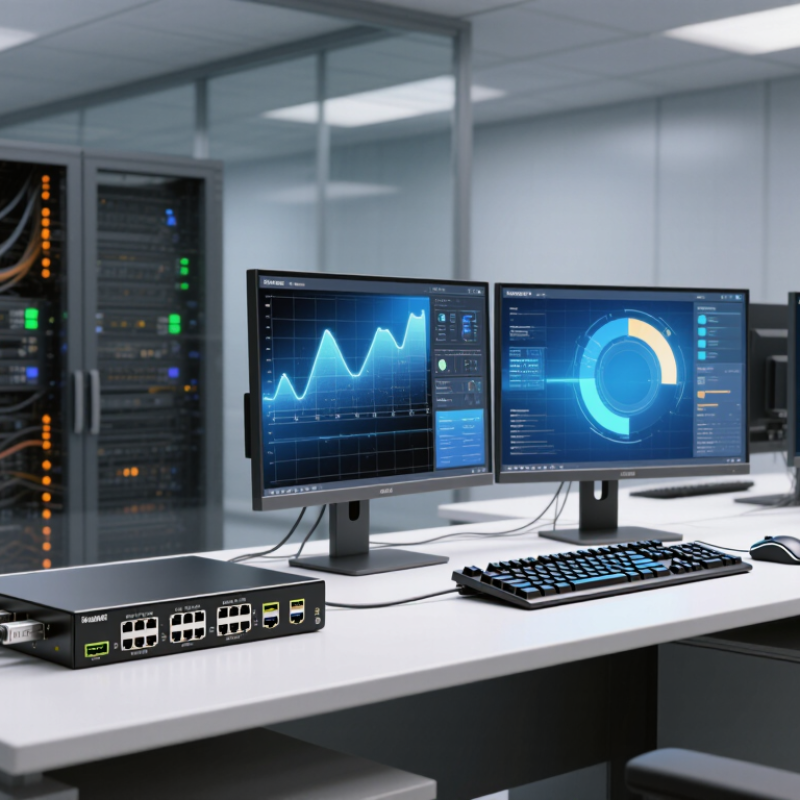
What a Network KVM Switch Is and How It Works
A network KVM switch lets an administrator control a computer through an IP network. KVM means keyboard, video, and mouse. The switch connects to a server’s video output and USB ports, then streams its screen to an authorized remote operator. The operator can send keystrokes and mouse actions back.
Unlike standard remote-desktop software, hardware-based KVM access can work before the operating system loads, which helps with BIOS settings, frozen systems, and reboot recovery. One caveat: the network path becomes another dependency.
Uptime Institute’s 2024 Annual Outage Analysis reported that 54% of respondents’ most recent significant data-center outages cost more than $100,000. That figure does not mean a KVM switch prevents outages. It does show why fast access to an unresponsive server can matter.
A clear video feed and responsive controls help, but bandwidth, network security, and correct cabling affect the experience. A mislabeled video lead can still waste precious minutes.
Tip: Place KVM traffic on a restricted management network. Require multi-factor authentication, encrypt connections, and test access during a planned maintenance window. Keep a local recovery option, too. Network access is useful, but it is not magic.
