
2026 Best Smart Home Electronics Design Trends for Buyers
Smart Home Electronics Design in 2026 is shifting from novelty to everyday usefulness. Buyers are looking beyond voice assistants and flashy screens. They want quiet sensors, dependable connectivity, clear controls, and devices that fit naturally into a room. A thermostat should be easy to read from the doorway. A motion sensor should work without drawing attention. Small details matter.
Industry research helps explain this shift. Deloitte’s 2024 Connected Consumer Survey examines how people use connected devices and the friction they encounter, including concerns about privacy and managing multiple technologies. Parks Associates’ smart-home research likewise tracks household adoption and the value buyers place on connected services. Together, these reports point to a practical design challenge: adding more devices does not automatically make a home simpler. Compatibility, setup, and long-term support still matter.
The design principle is simple. “Design is not just what it looks like and feels like. Design is how it works,” said Steve Jobs, an influential product-design leader. For smart-home buyers, that means judging a device by its daily performance—not its launch-day demo. Look for Matter support, physical controls where they help, replaceable components, and privacy settings that are easy to understand. Yet no standard solves every problem. Devices can still behave differently across brands, and sleek interfaces may hide confusing setup steps. That is worth questioning. This guide explores the 2026 trends that offer real value, the features that may disappoint, and the design choices buyers should inspect before investing.
What Defines Smart Home Electronics Design in 2026
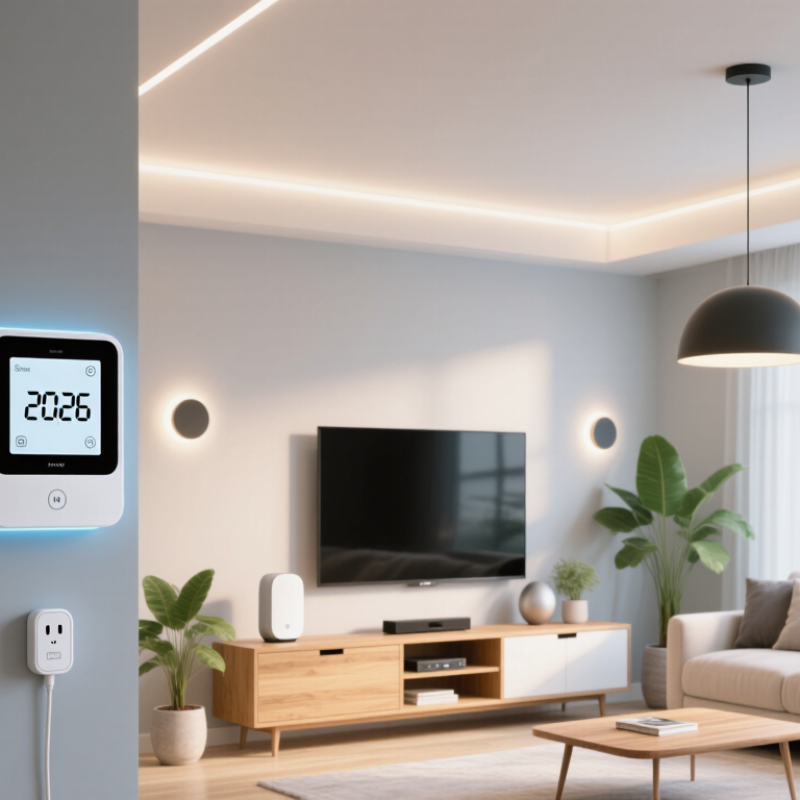
Smart home electronics design in 2026 is less about adding screens and more about making connected devices dependable. A thermostat should show its temperature clearly from across the room. A door sensor should communicate its status without demanding an app check. Physical buttons still matter. They are useful when a phone is charging or a connection drops.
Compatibility is part of good design, not a bonus feature. Buyers should look for clear information about supported devices, setup requirements, and what happens during an internet outage. Privacy controls should be easy to find, with understandable settings for data sharing and account access. Local processing can reduce reliance on cloud services, though its availability varies by device. More features do not always mean more control.
Materials and maintenance deserve attention, too. A matte surface may hide fingerprints better than glossy plastic, while a replaceable battery can make a small sensor easier to keep in service. Check whether cables, mounting parts, and instructions are included. I would not assume that a polished interface means a thoughtful product; some menus remain confusing. Look for readable labels, adjustable alerts, and settings that can be changed without digging through several screens.
